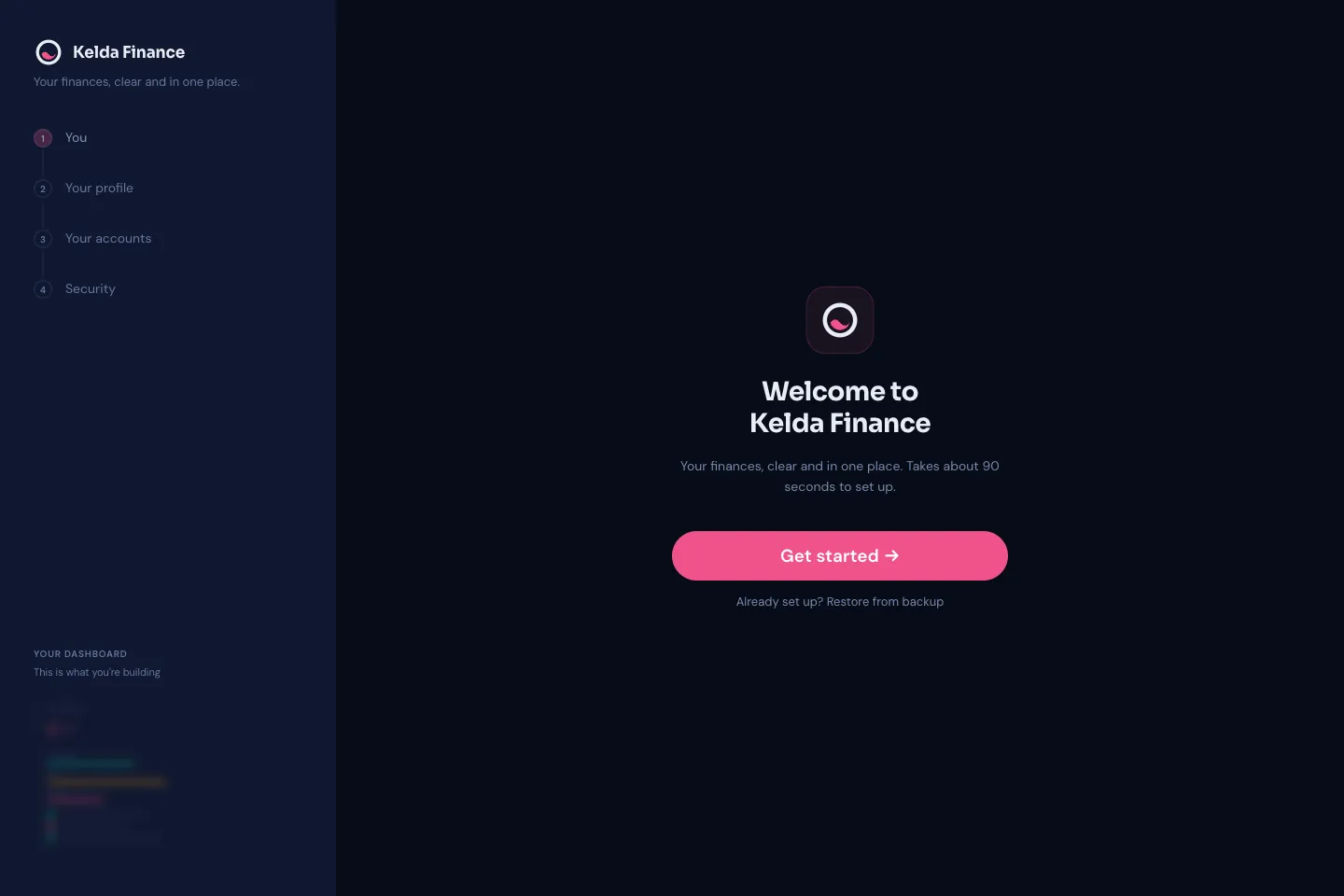
Kelda Finance
A private, local-first personal finance manager for households. Net worth, budgets, bills, mortgage and offset, superannuation, insurance and equity holdings in one view, for two profiles. Data is stored only on the device — no cloud and no accounts — with a per-profile PIN, CSV import from bank exports and JSON backup.
PWA · Local-first · Netlify
- Explored
- Whether a household could get the full financial picture — net worth over time, mortgage offset simulation, super projections, insurance gap analysis — without handing its financial data to anyone. Every calculation and every record stays on the device.
- Tools
- Built as an installable PWA with on-device storage and no backend, deployed on Netlify. AI-assisted throughout the design and build.
- Learned
- Using devops tooling, different perspectives on money, building money management features, PWA development.
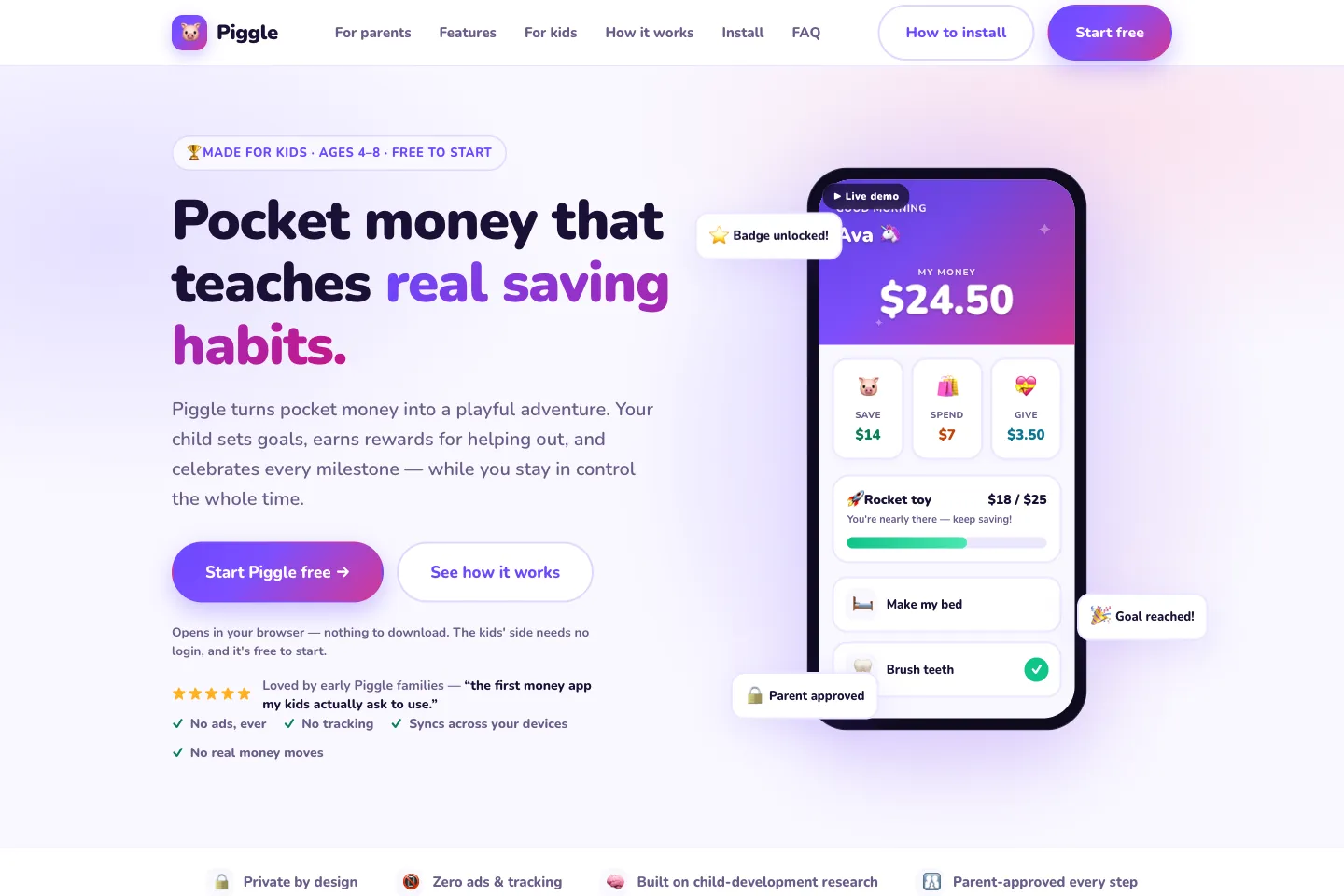
Piggle
Pocket money for little savers — a private, ad-free savings app for ages 4 to 8. Children split every coin across Save, Spend and Give jars, request rewards for tasks, and watch a goal fill; parents approve everything from a PIN-protected dashboard. No real money moves. Installs to the home screen as a PWA and syncs across devices.
PWA · Firebase · Netlify
- Explored
- Whether the Save / Spend / Give split that teaches money habits could work as a real product for children aged 4 to 8, with parental approval on every transaction and no real money moving.
- Tools
- Built as an installable PWA on Firebase for auth and cross-device sync, deployed on Netlify. AI-assisted throughout the design and build.
- Learned
- Money management in children, app development, devops tooling, age appropriate features
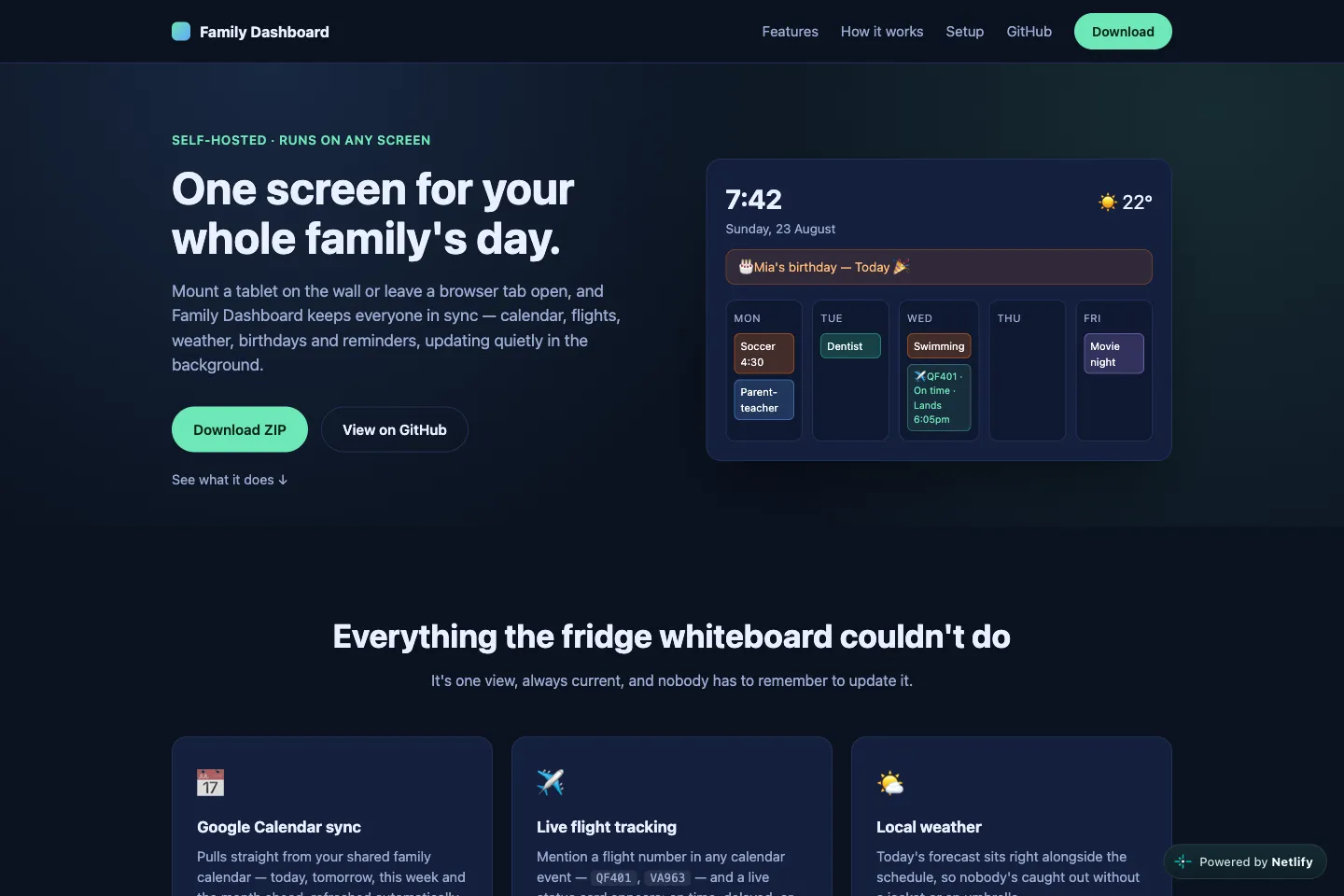
Family Dashboard
A wall-mounted dashboard for the kitchen. One always-on screen showing the shared family calendar split by person, plus flights, so the household can see the week at a glance without opening an app. Runs locally on the home network against the family's own Google Calendar — nothing hosted, no accounts beyond the family's own.
Vite · Node · Google Calendar API
- Explored
- Whether a single always-on screen could replace the daily scramble of checking calendars on phones — the shared calendar read per person, upcoming flights, and nothing else competing for attention.
- Tools
- A Vite client and Node server reading the family Google Calendar over OAuth, run on the home network with a separate marketing site in the same repo. AI-assisted throughout the design and build.
- Learned
- OAuth and refresh token handling, designing for a glanceable always-on display, running a self-hosted app for a household.
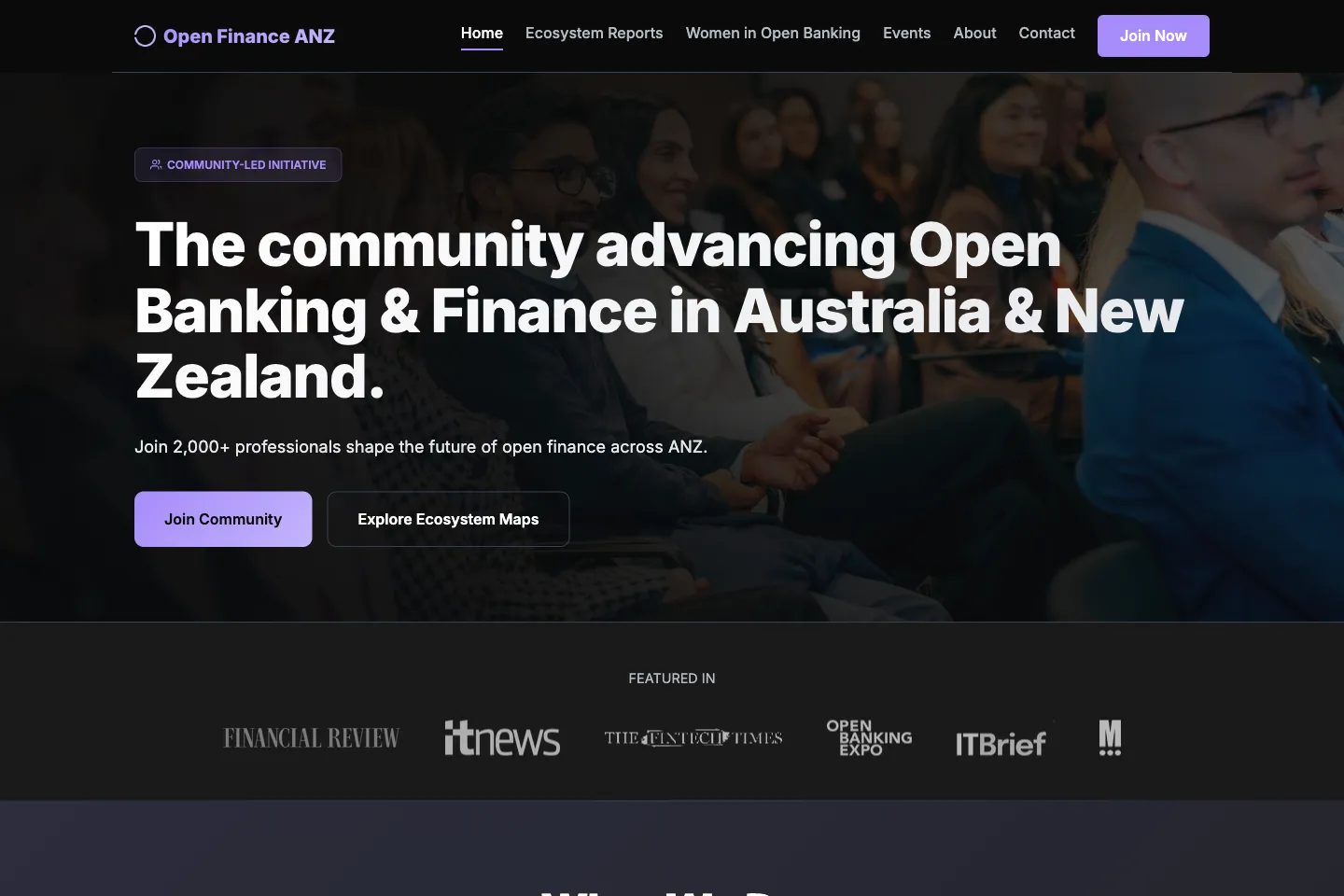
Open Finance ANZ
The site for the industry organisation — who it represents, what it is pushing for, and writing on open banking and the Consumer Data Right. Migrated off Squarespace and rebuilt, designed and hosted from the ground up, including the domain, DNS, email and deployment.
Static site · Self-hosted · Custom domain
- Explored
- What an industry body gains by owning its own site outright. Squarespace set the shape of the content and cost a subscription to keep; rebuilding it removed both limits and made the organisation’s position, not the template, the thing readers see first.
- Tools
- Hand-built front end replacing the Squarespace site, with the domain, DNS, email and hosting migrated and now configured and maintained directly. AI-assisted throughout the design and build.
- Learned
- Migrating a live site and its domain without downtime, end-to-end hosting and DNS, writing an industry body’s position clearly, keeping a site cheap to run and easy to update.
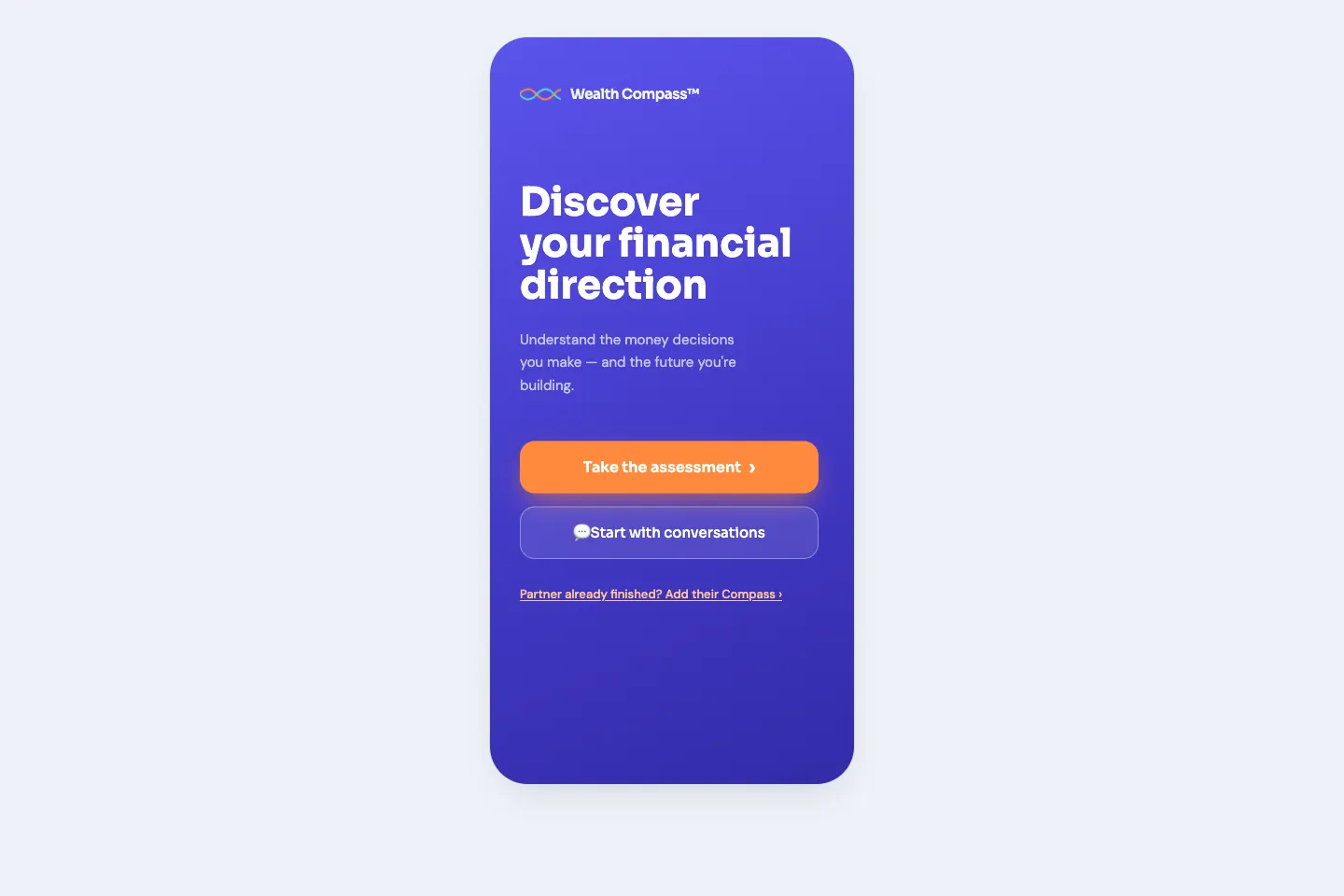
Wealth Compass
A financial-values assessment for couples. Twenty-one questions map each partner onto eight compass directions — what they prioritise — and five navigation preferences — how they decide, then produce a personal report each and a shared one to talk through together. Profiles are encrypted on the device before they are exchanged, so nothing readable ever leaves it.
Static site · Chart.js · Firebase · Netlify
- Explored
- Whether a couple’s disagreements about money are really disagreements about values — and whether naming each person’s priorities on the same chart gives them a better conversation than a budget does.
- Tools
- Plain HTML and ES modules with precompiled Tailwind and Chart.js radars, deployed static on Netlify with no build step. Questions, scoring weights and every narrative live in editable JSON, and optional Firestore share codes hold AES-GCM ciphertext only. AI-assisted throughout the design and build.
- Learned
- Turning a scoring model into content a non-developer can edit, client-side encryption and key derivation, designing reports for reading on a phone, keeping a real app fully static.